How Can You Identify the Right RF Connector for Your Test Setup?
April 30, 2026
RF connectors can look similar, but not all are compatible with one another. Connector families such as SMA, 3.5 mm, and 2.92 mm, as well as 2.4 mm and 1.85 mm, share mechanical characteristics that allow proper mating within their respective groups. However, these groups are not interchangeable. Differences in threading, outer dimensions, and center conductor alignment determine compatibility.
Risk of Misidentification in Test Setups
In fast-paced test environments, visually similar connectors can easily be mistaken for one another. Attempting to mate incompatible connectors can damage center pins, strip threads, and degrade the connection, potentially impacting high-value test equipment and causing costly downtime.
The example below highlights how easily connectors can be misidentified and how using clear, color-coded markers avoids the risk of potential mismates.
Find the Matching Adapter
See how clear, color-coded markers reduce visual ambiguity when choosing the right adapter for your test setup.
Round 1 — Without Color-coded Markers
Select the adapter that matches the target.
Target
Options
Select the matching adapter.
A Clear Approach for Connector Identification
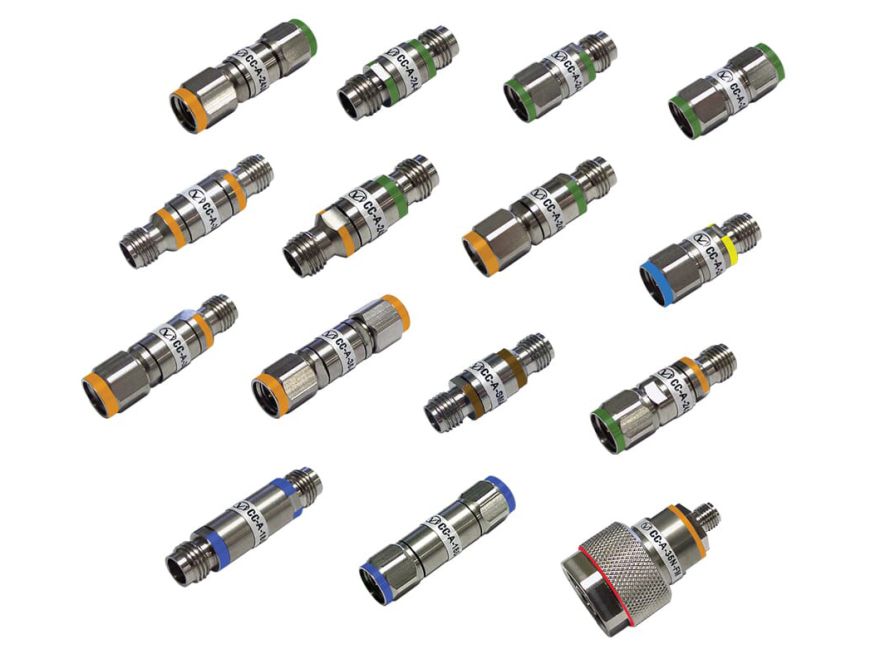
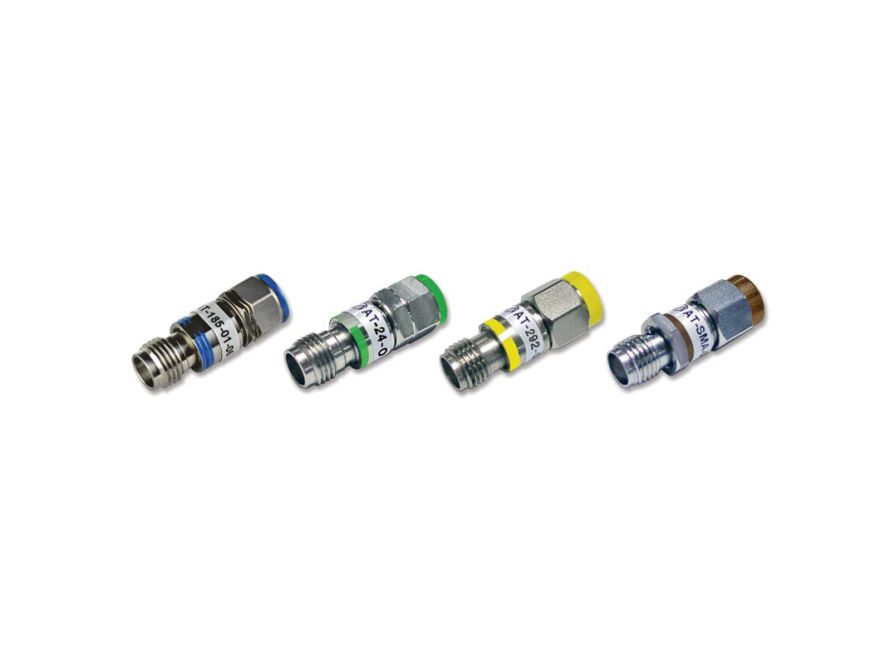
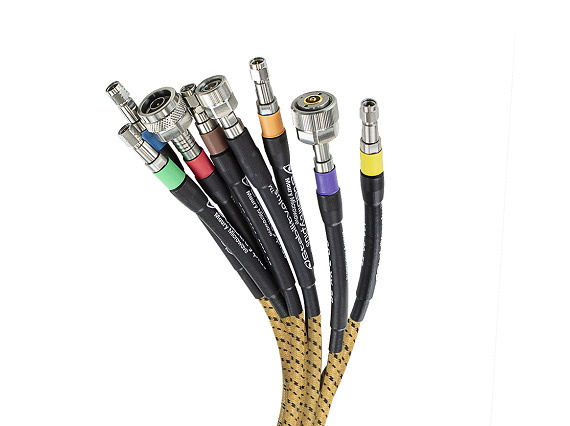
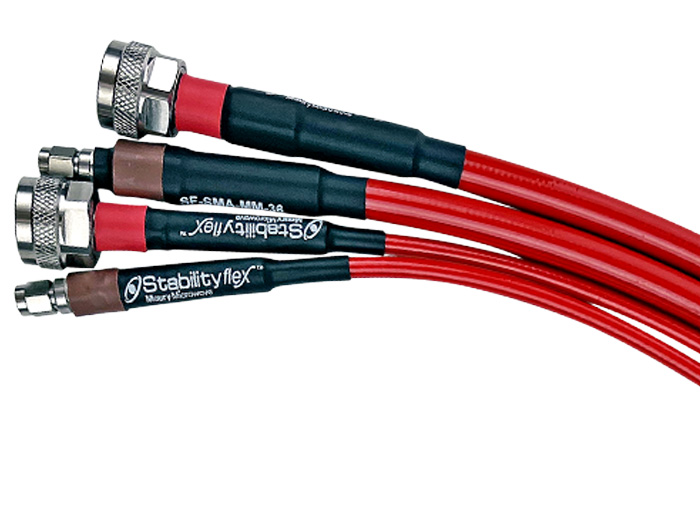
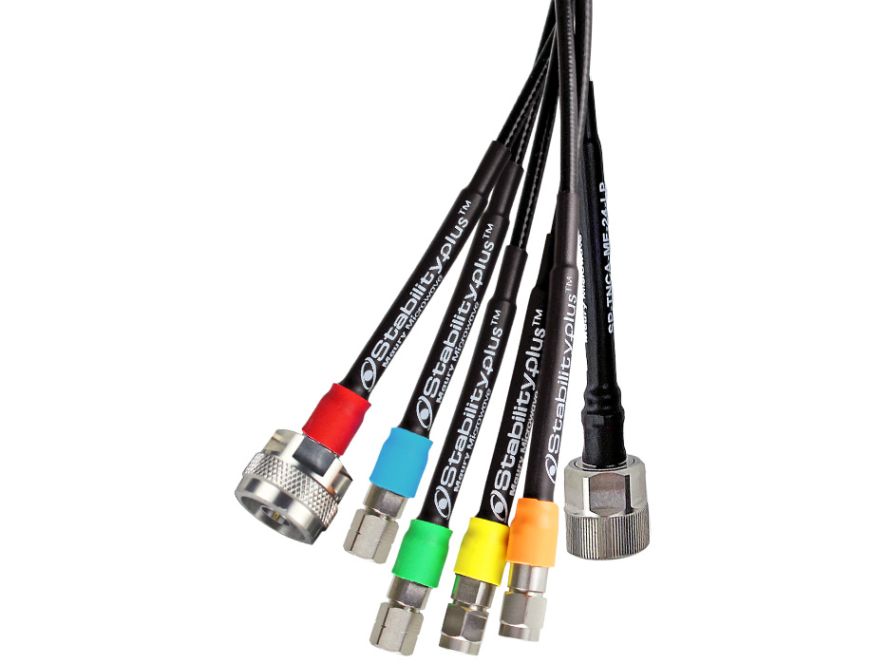
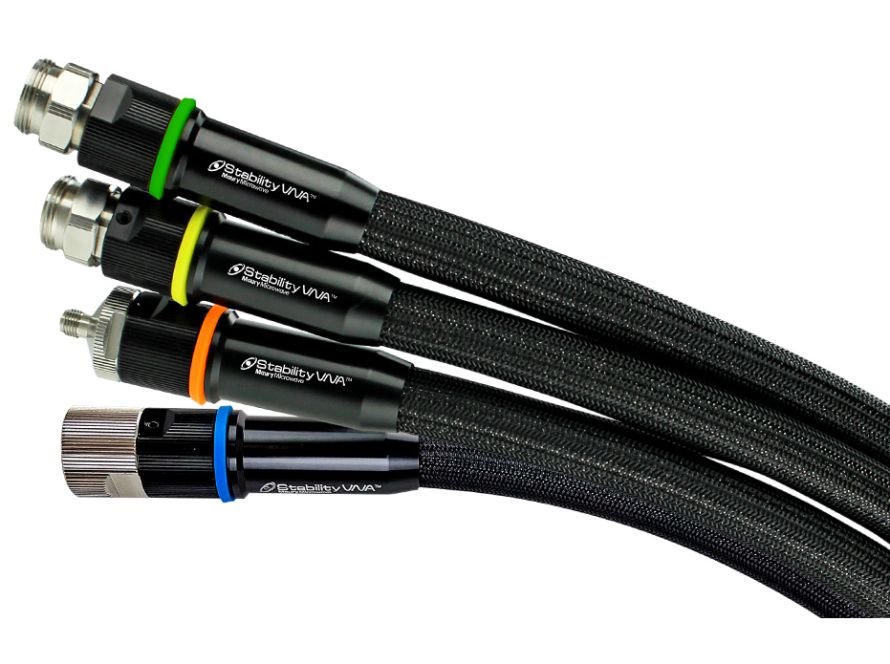
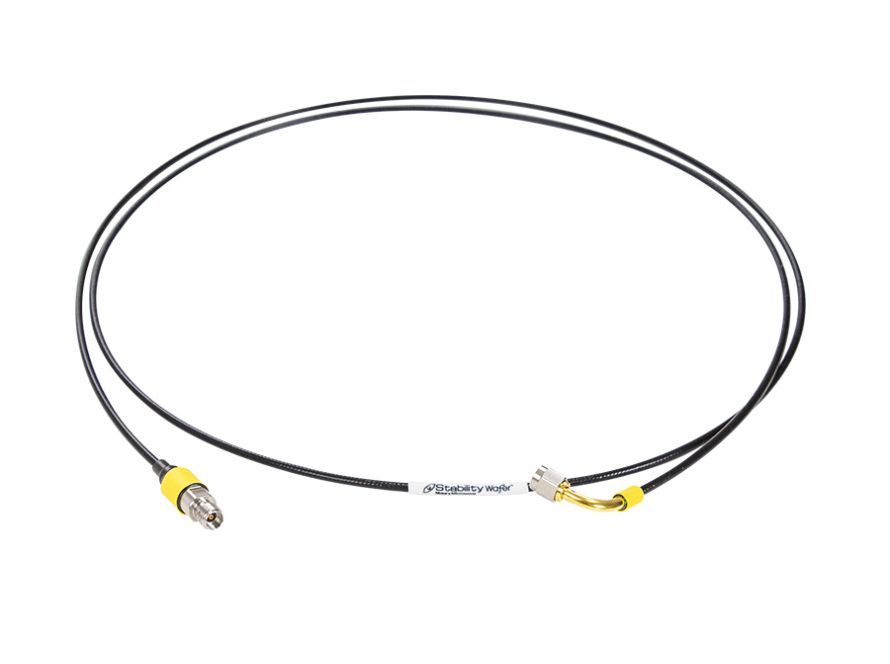
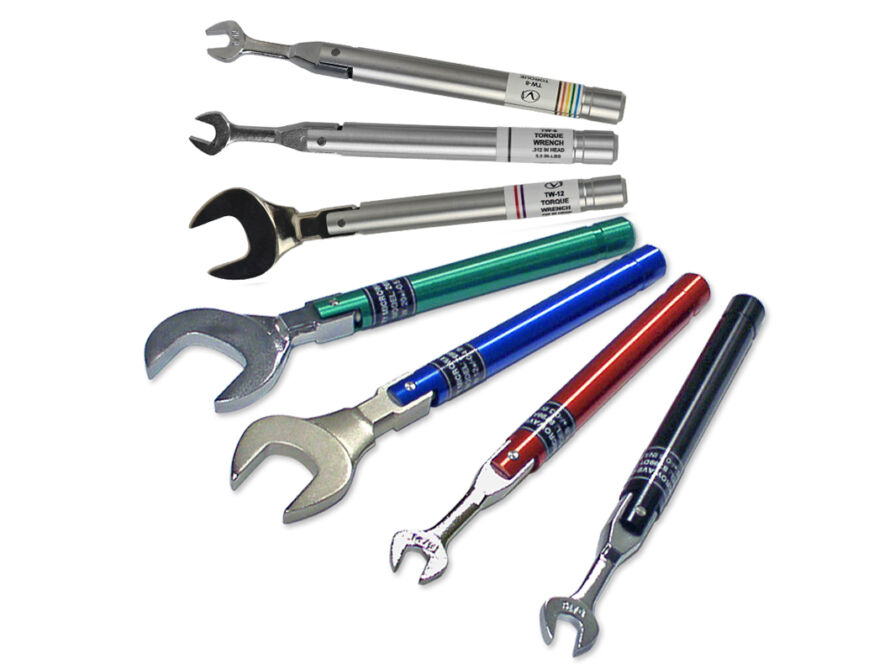
Color-coded connectors provide a clear, visual way to identify compatible connections before mating. Maury Microwave ColorConnect™ interconnects follow the IEEE P287 high-frequency connector color convention, with each connector interface associated with a specific color. These visual markers enable engineers to quickly distinguish between similar-looking connectors at a glance.
Maury applies this standardized color scheme across precision adapters, attenuators, torque wrenches, and cable assemblies, helping users select the right components faster, reduce the risk of mismates, and improve confidence in every connection.